Registration Infrastructure
Phoenix TGReger Pro
v1.2.9.3 · InfoPanel 1.0.1.7
Do not treat this quick start as a full manual. For the first launch, the basic interactive setup is enough.
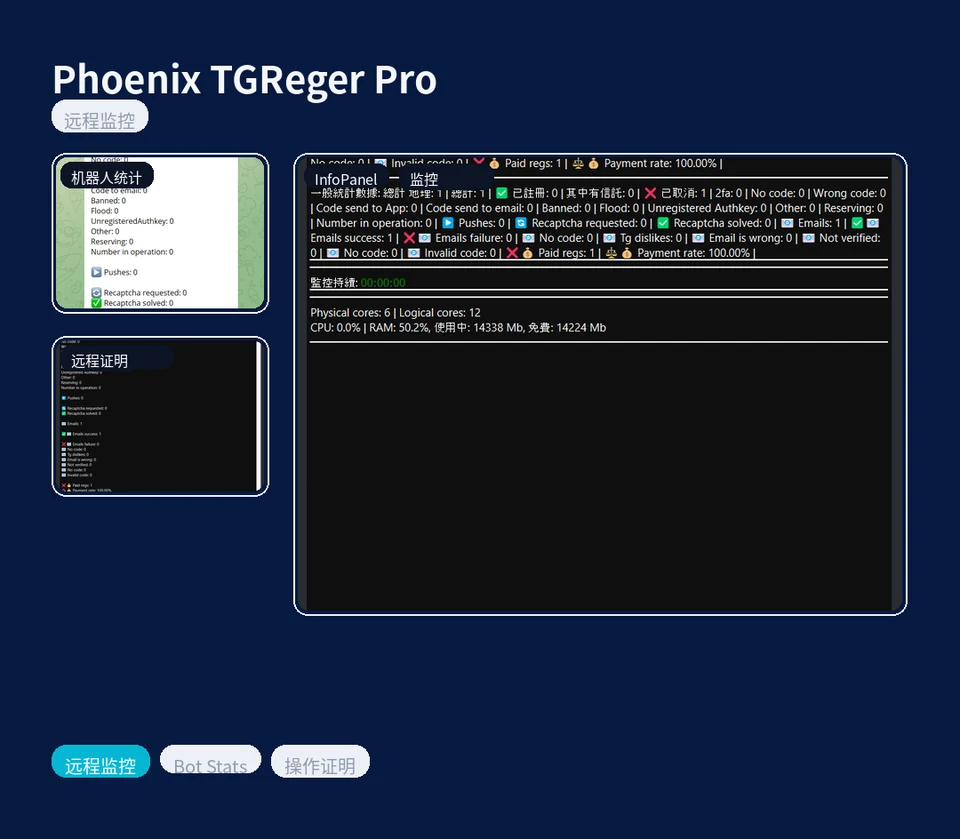
Find downloads, quick start guides, and essential product documents in one place.
v1.2.9.3 · InfoPanel 1.0.1.7
Do not treat this quick start as a full manual. For the first launch, the basic interactive setup is enough.
v1.1.7.4
Do not turn the first launch into deep technical setup. For getting started, the basic path is enough.
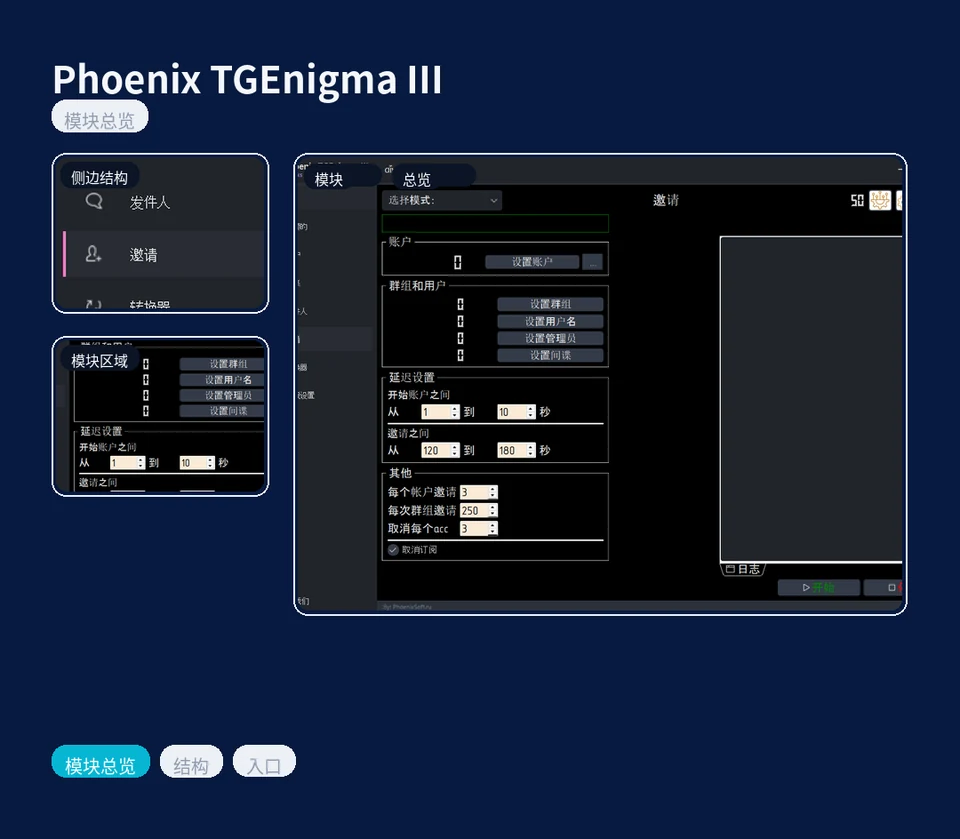
A support layer for users who want a broader workflow overview before going deeper into the standard route.
You can use the lessons and demos after reviewing the page if you want a clearer view of setup and product usage.